
How do construction companies track tools across job sites?
Construction companies track tools across job sites using a combination of physical labeling, digital check-out systems, and automatic scanning technologies. The most common approaches range from simple barcode scanning and sign-out sheets to more advanced systems that automatically record every tool movement without any manual input. The right method depends on how many tools a company manages, how many sites they run, and how much loss they can afford.
What methods do construction companies use to track tools?
Construction companies use several methods to track tools, from manual sign-out sheets and barcodes to automatic scanning systems that log tool movements in real time. The most reliable setups combine a physical label on each tool with software that records who has what, where it is, and when it was last seen.
At the simpler end, many companies rely on paper logs or spreadsheets. A worker signs a tool out at the start of the day and signs it back in at the end. This costs almost nothing to set up, but it depends entirely on people remembering to follow the process every single time. When they don’t, the record becomes unreliable quickly.
Barcode scanning is a step up. Each tool gets a label, and a handheld scanner reads it at check-out and check-in. This removes handwriting errors and speeds up the process, but someone still has to scan each item individually. It works well in a single, controlled location but gets harder to manage across multiple job sites.
The most advanced approach uses automatic identification technology, where tools are tracked without anyone needing to scan them manually. Smart storage cabinets and mobile apps can record tool movements the moment they happen, giving site managers a live view of their entire inventory. We cover this in more detail in the sections below.
How does RFID tool tracking work on a job site?
RFID tool tracking works by attaching a small tag to each tool. When a tool passes near a reader, the system automatically records the movement without anyone needing to scan anything. The result is a continuous, automatic log of which tools are where, and who last used them.
Think of it like a contactless payment card. The tag on the tool holds a unique ID. When it comes close to a reader, the reader picks up that ID and sends the information to a central system. This happens in less than a second and requires no action from the worker.
On a job site, readers are typically placed at storage points, site entrances, or inside smart cabinets. Every time a tool is taken or returned, the system records it automatically. Site managers can then check a dashboard to see exactly which tools are on site, which are out with workers, and which haven’t been returned.
The practical benefit is speed and accuracy. A smart cabinet using this technology can scan hundreds of items in seconds, something that would take a person many minutes to do manually. It also removes the human error that comes with sign-out sheets and manual scanning.
What’s the difference between RFID, NFC, and barcodes for tool tracking?
Barcodes require line-of-sight scanning, one item at a time. NFC works at very close range and is common in smartphones. RFID can read multiple tagged items at once from a greater distance, without needing to point a scanner at each one. For tool tracking across busy job sites, RFID generally offers the most practical advantage.
Barcodes are cheap and easy to print, but they scratch, fade, and get dirty on construction sites. More importantly, they only work when someone actively scans them. If a worker forgets, the record has a gap.
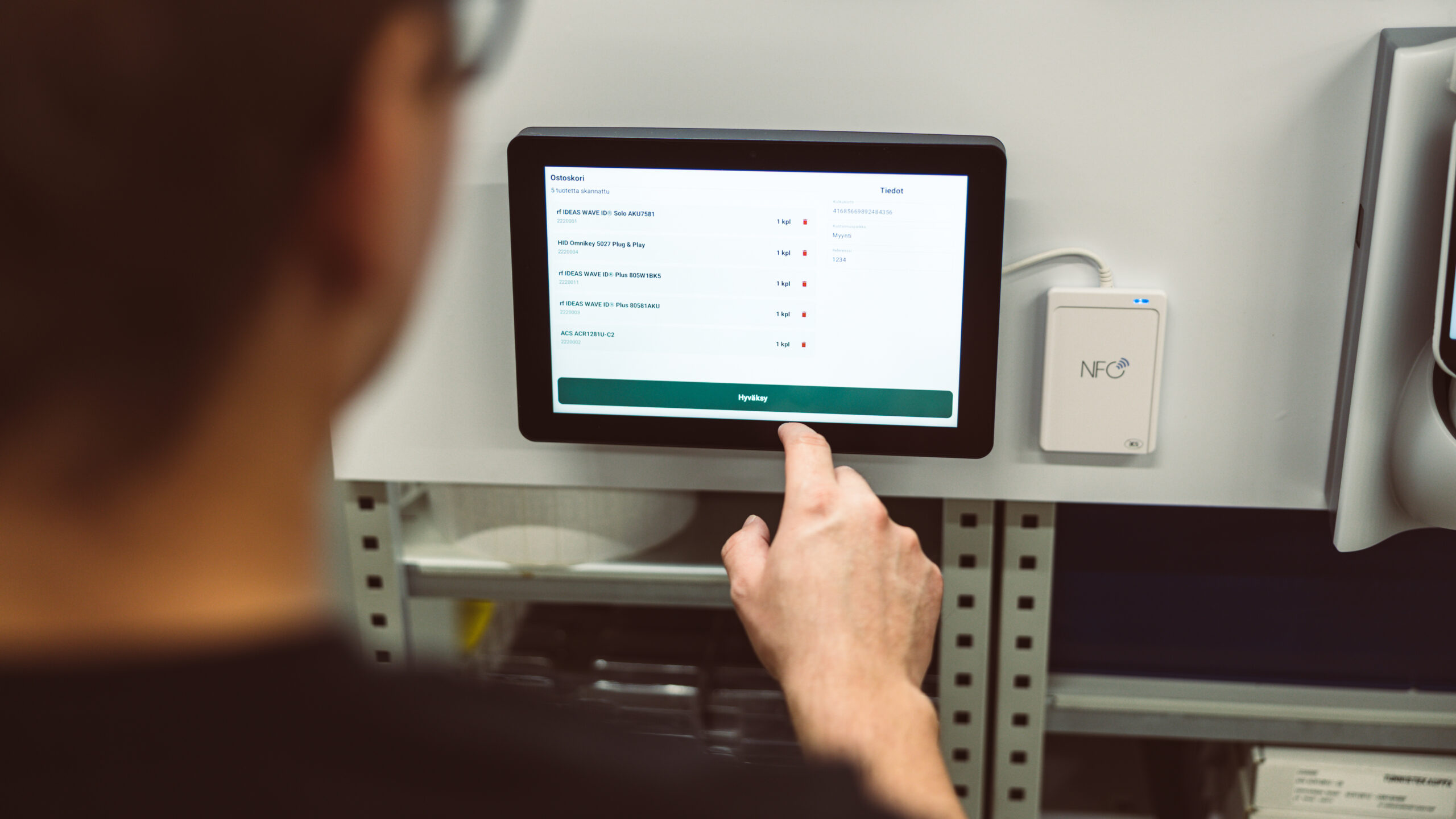
NFC tags are more durable and work well for individual check-ins, such as tapping a phone against a tool to log it out. This works well for smaller inventories or when a mobile app is part of the workflow. A solution like Simple Cabinet combines these technologies to give teams flexibility in how they track items.
RFID is the most hands-free option. Because it doesn’t need line-of-sight and can read many tags at once, it suits high-volume environments where speed matters. The tradeoff is that RFID hardware costs more to set up than barcodes. For large tool inventories spread across multiple sites, that upfront cost typically pays for itself through reduced losses and less time spent on manual counts.
Why do construction companies lose so many tools?
Construction companies lose tools primarily because tracking them manually is slow, easy to skip, and hard to enforce across a busy site with multiple workers and shifting locations. When there’s no automatic record of who took what, tools disappear into vans, other sites, or simply get left behind with no one accountable.
The nature of construction work makes the problem worse. Tools move constantly between workers, vehicles, and locations. A drill might change hands three times in a single day. Without a system that records each handover, it’s almost impossible to trace where something went.
Theft is a factor, but it’s often a smaller one than people assume. A large portion of tool loss comes from honest mistakes: tools left at a previous site, loaded into the wrong van, or borrowed by a colleague and not returned. These losses are preventable with better tracking, but not with better locks alone.
There’s also a culture element. If workers know there’s no reliable system tracking tool movements, there’s less personal accountability. When a system shows clearly who last had a tool, behavior tends to change. People are more careful when there’s a record.
How do tool tracking systems integrate with existing software?
Most modern tool tracking systems connect to existing business software through a standard data link, meaning the tool data flows automatically into the platforms a company already uses for purchasing, accounting, or project management. There’s no need to run two separate systems side by side.
For construction companies, this matters because tool data rarely lives in isolation. Knowing a tool is missing is useful. Knowing it’s missing, that it needs replacing, and that the replacement cost should be charged to a specific project is far more useful. Integration makes that possible.
In practice, integration means that when a tool is checked out, the information can automatically update a project record. When stock falls below a set level, a reorder request can be triggered without anyone manually checking the inventory. Roughly 80 percent of the systems we deliver at Aksulit are already integrated with our customers’ existing platforms, so this is something we have a lot of experience making straightforward.
The key question to ask any provider is how the connection works and how long it takes to set up. A well-designed system should connect to your existing software without requiring a major IT project. If a vendor makes integration sound complicated, that’s worth paying attention to.
What should construction companies look for in a tool tracking solution?
Construction companies should look for a tool tracking solution that works automatically, is durable enough for site conditions, gives real-time visibility across all locations, and connects to the software they already use. Ease of use matters too: if the system is complicated, workers won’t use it consistently.
Here are the key things to evaluate:
- Automatic tracking: The system should record tool movements without relying on workers to remember to scan or sign things out.
- Real-time visibility: Managers should be able to see current tool locations and stock levels from anywhere, not just at the end of the day.
- Durability: Labels and hardware need to survive a construction environment. Barcodes that fade or peel quickly become useless.
- Multi-site support: If tools move between sites, the system needs to track that movement, not just what’s in a single location.
- Integration with existing systems: Tool data should flow into the platforms you already use for project management, purchasing, or finance.
- Mobile access: Site managers and workers should be able to check and update records from a phone or tablet on the go.
It’s also worth thinking about the total cost realistically. The upfront investment in a proper tracking system is often recovered quickly through fewer lost tools, less time spent on manual counts, and better accountability across the team.
How do we help construction firms manage tools across sites?
We build tool and inventory tracking systems that give construction companies a clear, live picture of where their equipment is at all times. Our solutions are designed to work automatically in the background, so your team can focus on the job rather than on paperwork.
Our Simple Cabinet is a smart storage unit that can scan and record an entire inventory in seconds. Tools are logged in and out automatically, and managers get real-time updates without anyone needing to manually enter data. It’s a practical fit for site stores, workshops, and shared equipment rooms.
For teams that need flexibility on the move, our mobile app lets workers check stock, receive deliveries, and log tool movements from a phone or tablet, whether they’re on site, in a van, or at a depot. You can read more about how this kind of system works in practice in our article on self-service equipment access with smart storage.
We also understand that tool loss isn’t just a logistics problem. It affects project budgets, timelines, and team accountability. Our approach to reducing inventory shrinkage in industrial settings applies directly to construction environments where tools move constantly and manual tracking breaks down under pressure.
Every system we build is connected to the software our customers already use, so there’s no need to change how your business runs. We handle the integration and make sure the data flows where it needs to go.
If you’re dealing with tool losses, manual tracking headaches, or a lack of visibility across multiple sites, we’re happy to talk through what a practical solution might look like for your operation. Get in touch with us and we’ll take it from there.