
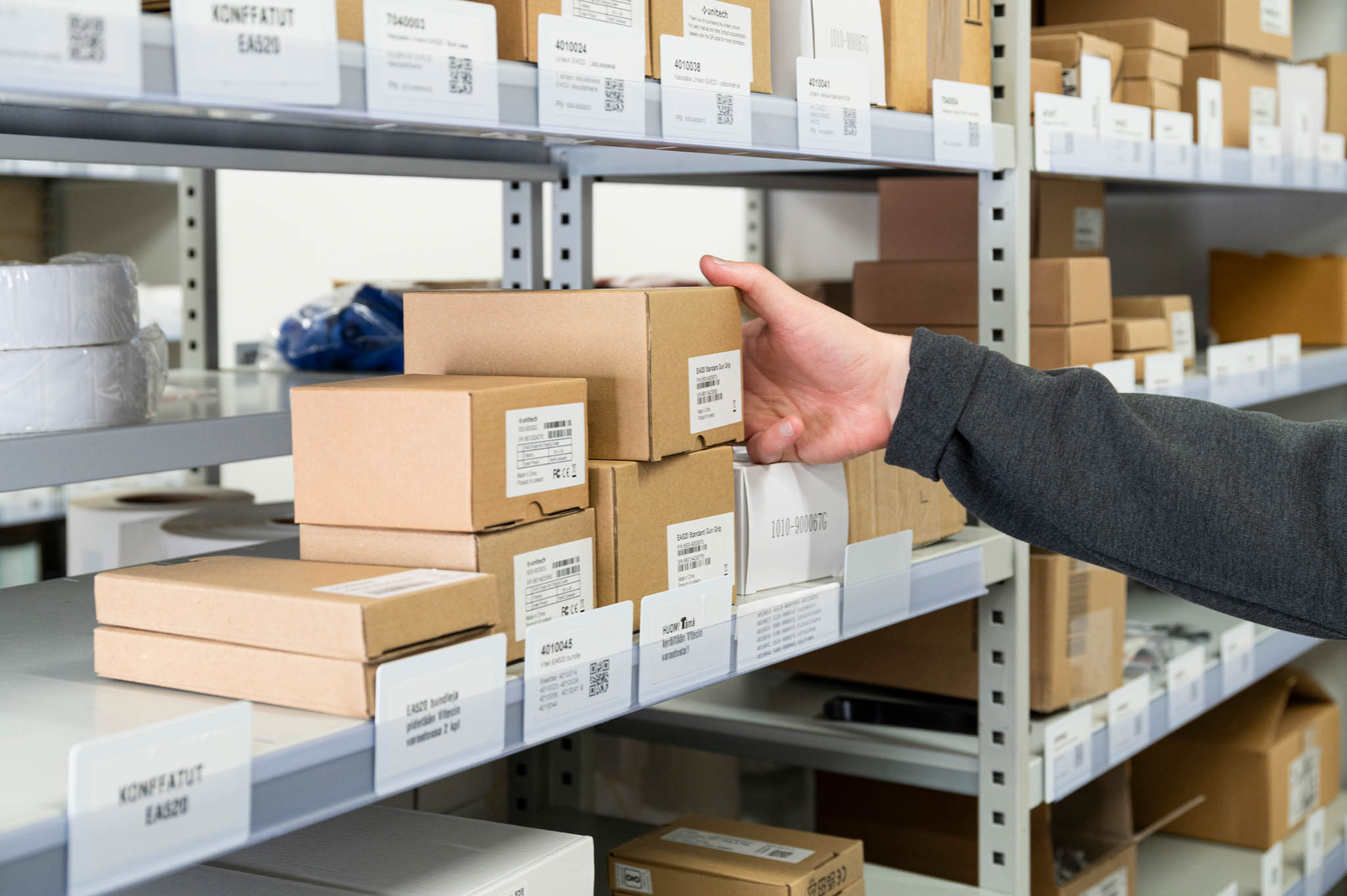
What is a smart cabinet and how does it work in a warehouse?
A smart cabinet is a lockable storage unit that combines item identification, user authentication, event logging, and inventory software. When a user authenticates, the cabinet unlocks, the user takes or returns an item, and the system records the transaction automatically. Depending on configuration, it can update on-hand stock counts and trigger low-stock alerts — reducing the manual effort needed to maintain accurate inventory records.
Why manual stock tracking creates problems worth solving
Every time a worker stops to count items, check a clipboard, or correct a stock record, that is time taken away from productive work. In busy warehouses, these interruptions add up. Errors creep in, stock runs out unexpectedly, and people spend time chasing information that should already be available. An automated cabinet reduces that burden by recording movements at the point they happen — though the quality of the result still depends on how well the system is set up and used.
How a smart cabinet works, step by step
Understanding the workflow helps you judge whether a smart cabinet is the right fit for your operation. The typical sequence is:
- User authenticates: The user presents a credential — commonly an NFC card or tag — at the cabinet. The system verifies their identity and access rights.
- Cabinet unlocks: If authentication succeeds, the cabinet door releases.
- Item is taken or returned: The user removes or places an item on the shelf.
- RFID detects the change: The cabinet’s reader scans the contents and identifies what has changed since the door was last closed.
- Software creates a transaction record: The system logs which item moved, who moved it, and when.
- Stock and history update: On-hand quantities are adjusted in the inventory software.
- Rules may trigger an alert or replenishment request: If stock drops below a configured threshold, the system can notify a manager or create a replenishment request — depending on how the rules are set up.
For the person using the cabinet, the experience is straightforward: authenticate, take or return an item, close the door. The record-keeping happens in the background. To understand the underlying technology in more detail, see how RFID inventory management works.
Smart cabinet vs ordinary shelf: what actually changes
A conventional shelf is passive. It holds items but does nothing else on its own. The table below shows where the two approaches differ in practice.
| Capability | Ordinary shelf | Smart cabinet |
|---|---|---|
| Access restriction | None by default | Locked; opens on authenticated credential |
| User identification | Not recorded | Logged per transaction |
| Item counting | Manual, periodic | Automatic on each open/close cycle |
| Transaction history | Not preserved unless manually entered | Stored in software per event |
| Low-stock alerts | Not possible without manual check | Threshold-based, configurable |
| Integration with other systems | Not applicable | Via API or standard interface, where supported |
A smart cabinet does not automatically eliminate every manual count or guarantee perfect stock accuracy. Results depend on tag selection, reader placement, user discipline, and how exceptions are handled. It is a significant improvement over a passive shelf, not a zero-effort solution.
Use cases and examples
Smart cabinets work well for any setting where small or medium-sized items need to be accessed regularly, tracked by user, and managed without a dedicated person present. Common applications include:
- MRO consumables and spare parts: Maintenance teams access tools, fasteners, and consumables around the clock. The cabinet records usage automatically, making cost allocation and reorder decisions easier.
- PPE and safety equipment: Items with compliance implications benefit from a clear record of who took what and when.
- Technical distribution at a customer site: A supplier places a stocked cabinet at the customer’s location. The customer takes what they need, and the supplier can monitor usage remotely without sending someone to count.
- Rental and service stock: Equipment rental companies use cabinets to manage small-parts inventory at remote locations, reducing the need for manual stocktakes.
- Shared tools across departments: Larger organisations use cabinets to monitor tool usage across teams, supporting cost allocation and maintenance planning.
If your operation involves a larger walk-in storage area rather than a single cabinet, Simple Storage for a larger walk-in storage area may be a more appropriate starting point. For field technicians or mobile picking scenarios, see the Simple Pocket mobile inventory app or read more about mobile inventory management for small-parts warehouses.
Benefits — stated conditionally
When a smart cabinet is correctly specified, tagged, and integrated, it can deliver measurable improvements in several areas. These are realistic outcomes, not guarantees.
- Reduced manual counting effort: Stock levels update on each transaction rather than at a scheduled count, so staff spend less time on routine stocktakes.
- Earlier visibility of low stock: Threshold alerts can prompt restocking before a shelf runs empty, provided thresholds are configured and monitored.
- Better accountability: Tying every withdrawal to a named user reduces unexplained losses and supports cost allocation by person, team, or project.
- Consistent transaction records: A searchable log of who took what and when is available without relying on manual entries or memory.
- Less administrative overhead: Staff spend less time on paperwork and chasing records, freeing capacity for other work.
- Usage data for planning: Over time, transaction history reveals which items move quickly, which sit for weeks, and where demand is concentrated — useful input for purchasing decisions.
Limitations and when a smart cabinet may not be the right choice
A smart cabinet is not the right solution for every situation. Being clear about the limitations helps you make a sound decision.
- Acquisition and tagging effort: Every item must be tagged before it can be tracked. For large or frequently changing SKU ranges, the initial tagging effort is significant.
- Item and material constraints: Items must fit within the cabinet’s physical dimensions. Metals and liquids can interfere with RFID reads and may require specialised tags and careful tuning. Read zones should be tested before go-live.
- Network and integration dependencies: If the network connection or integration fails, a fallback process is needed. Plan for this before deployment.
- Privacy considerations: Access logs contain personal data. Ensure your use of that data complies with applicable data protection requirements.
- No built-in temperature control or fire protection: A standard smart cabinet is not suitable for perishables, temperature-sensitive items, or battery charging without a separate suitability assessment.
- Accuracy is not automatic: Stock accuracy depends on tag quality, reader setup, user behaviour, and how exceptions are managed. A cabinet alone does not guarantee perfect counts.
If your items are too large, too varied, or too high in volume for a single cabinet, a different solution — such as a walk-in RFID room or a mobile inventory system — may serve you better.
Buyer’s checklist and pilot acceptance criteria
Before committing to a smart cabinet, work through the following questions. They cover the factors most likely to determine whether the solution performs as expected in your environment.
- Item dimensions, materials, and value: Do your items fit the cabinet? Are any made of metal or liquid-containing materials that could affect RFID performance? Is the value of each item sufficient to justify tagging cost?
- SKU and transaction volume: How many distinct items will you manage? How often are they accessed? Does the cabinet’s capacity and read speed suit your throughput?
- User count, roles, and access rules: How many people need access? Do different users need different permissions? Can existing access credentials be reused?
- Physical environment: Where will the cabinet be installed? Is the environment suitable for RFID (no heavy RF interference, adequate network connectivity)?
- Identification method: Does your workflow require UHF RFID item tags, barcodes, NFC user credentials, or a combination?
- Stock, audit, and replenishment workflow: How will low-stock alerts be acted on? Who is responsible for restocking, and how will that process work?
- Offline and failure handling: What happens if the network goes down? Is there a manual fallback, and is it documented?
- API and ERP requirements: Which systems need to receive data from the cabinet? Is there an existing system of record for inventory?
- Reporting, data retention, and privacy: What reports are needed? How long must transaction records be kept? Who has access to user-level data?
- Installation, pilot, support, and total cost of ownership: What are the one-off costs (hardware, tagging, installation, integration) and the ongoing costs (software, support, tag replacement)?
Pilot acceptance criteria to define before go-live: Set measurable targets for the pilot period — for example, read accuracy rate, number of unresolved exceptions per week, user adoption rate, and time saved on manual counts. Agree on these with your supplier before the pilot starts, not after.
How Simple Cabinet fits
The Simple Cabinet RFID smart cabinet from Aksulit is a lockable RFID cabinet with NFC user authentication, automatic stock monitoring, and user-level event records stored in Simple Cloud. Threshold-based replenishment alerts or requests are configurable. The cabinet can be branded, and if your organisation already uses a compatible access credential, it may be possible to reuse it — confirm the credential type with Aksulit before ordering.
Reported dimensions are approximately 120 × 60 × 210 cm and approximately 200 kg depending on shelving configuration [CONFIRM WITH AKSULIT BEFORE PUBLISHING]. There is no built-in temperature control or fire protection; Simple Cabinet is not intended for perishables or battery charging without a separate suitability assessment.
Aksulit states that Simple Cabinet can read up to 1,000 products in 10 seconds. This is an Aksulit product claim — verify it applies to your specific items and environment before relying on it in your business case.
Simple Cabinet connects to existing systems through standard interfaces. Whether that integration covers your specific ERP or purchasing software is worth confirming during the evaluation stage.
Frequently asked questions
What is a smart cabinet used for?
A smart cabinet is used to store, track, and control access to small and medium-sized items — such as MRO consumables, spare parts, tools, PPE, and technical distribution stock — in environments where manual tracking is slow, error-prone, or impractical.
Does a smart cabinet work without an internet connection?
This depends on the specific product and configuration. Most smart cabinets require a network connection for real-time data sync and alerts. If connectivity is lost, some systems can store transactions locally and sync later, but you should confirm the offline behaviour with your supplier and plan a manual fallback process.
Can a smart cabinet track any type of item?
Not without consideration. Items must fit inside the cabinet physically. Metals and liquids can interfere with RFID reads and may require specialised tags. Very small items may be difficult to tag reliably. Testing with your actual items before full deployment is strongly recommended.
How accurate is RFID stock tracking in a smart cabinet?
Accuracy depends on tag quality, tag placement, reader configuration, cabinet design, and user behaviour. Under good conditions, RFID read rates are high, but they are not guaranteed to be 100% on every cycle. Exception-handling processes — for missed reads or misplaced tags — are an important part of any deployment.
Who can access a smart cabinet?
Access is controlled by user credentials, typically NFC cards or tags. The system administrator defines who has access rights and, in some configurations, which items or shelves a given user can reach. Every access event is logged against the authenticated user.
How does a smart cabinet integrate with an ERP or purchasing system?
Integration is typically done through an API or a standard data interface. The cabinet software sends transaction data to the connected system, which can then update inventory records or create replenishment requests. The specifics depend on the cabinet software and the target system — confirm compatibility during evaluation.
What is the difference between a smart cabinet and a vending machine for tools?
A tool vending machine dispenses items one at a time through a mechanical mechanism, which physically prevents removal without authentication. A smart cabinet uses RFID to detect what was taken after the door closes, without a dispensing mechanism. Vending machines offer stronger physical control over individual items; smart cabinets typically offer faster access and more flexible storage layouts.
Is a smart cabinet suitable for hazardous materials or temperature-sensitive items?
A standard smart cabinet is not designed for temperature control, fire protection, or hazardous material storage. If your items have special storage requirements, assess suitability separately before selecting a cabinet.
How long does it take to implement a smart cabinet?
Implementation time depends on the number of SKUs to tag, the complexity of the integration, and the physical installation environment. A straightforward deployment with a limited SKU range can be completed relatively quickly; a larger rollout with ERP integration will take longer. Discuss realistic timelines with your supplier during the evaluation stage.
If you would like to explore whether a smart cabinet is the right fit for your specific operation, discuss whether a smart cabinet fits your operation with the Aksulit team.